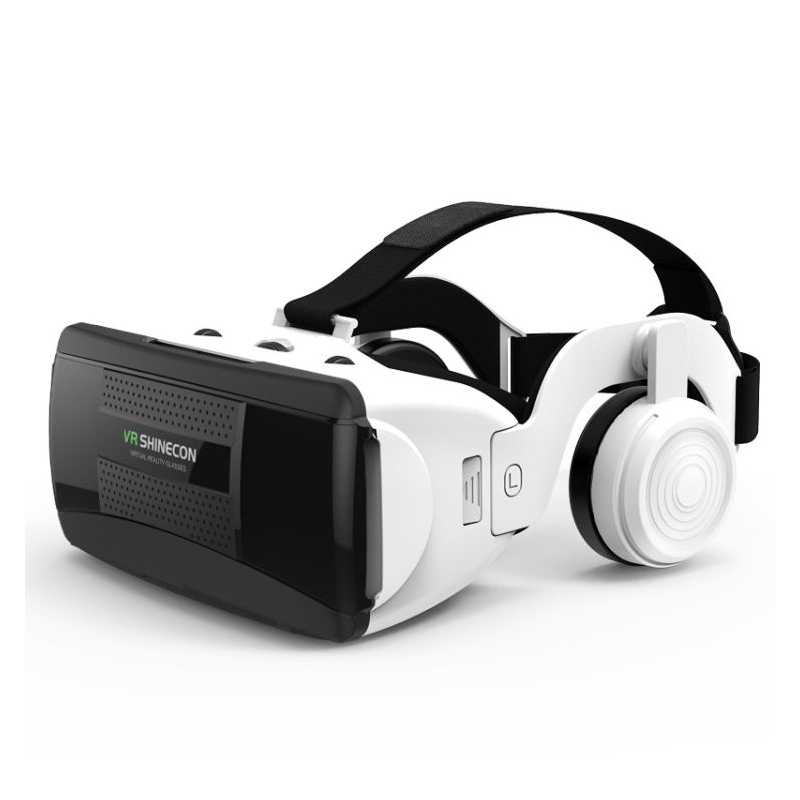
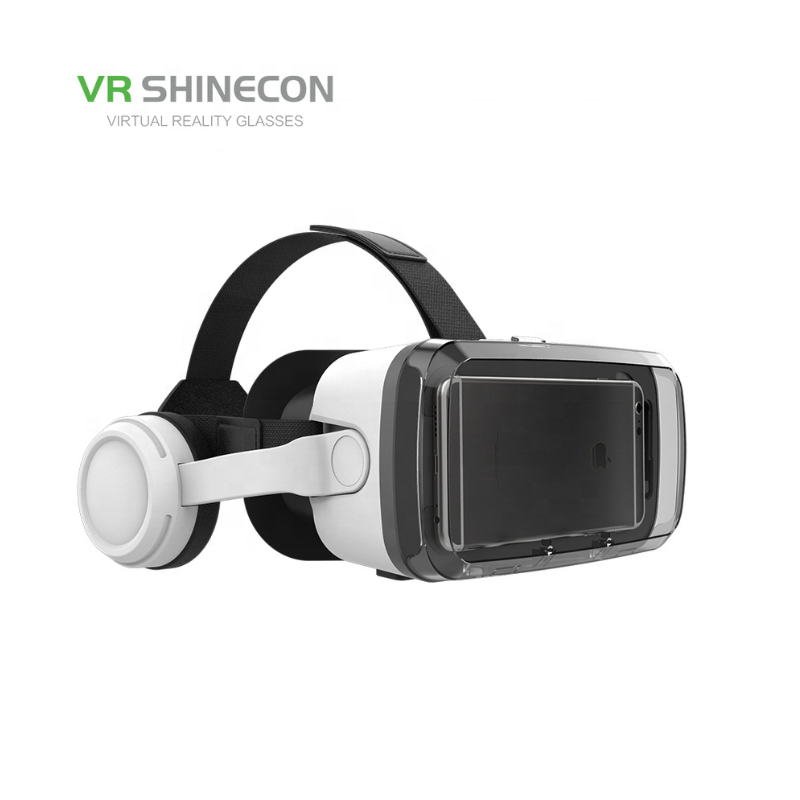
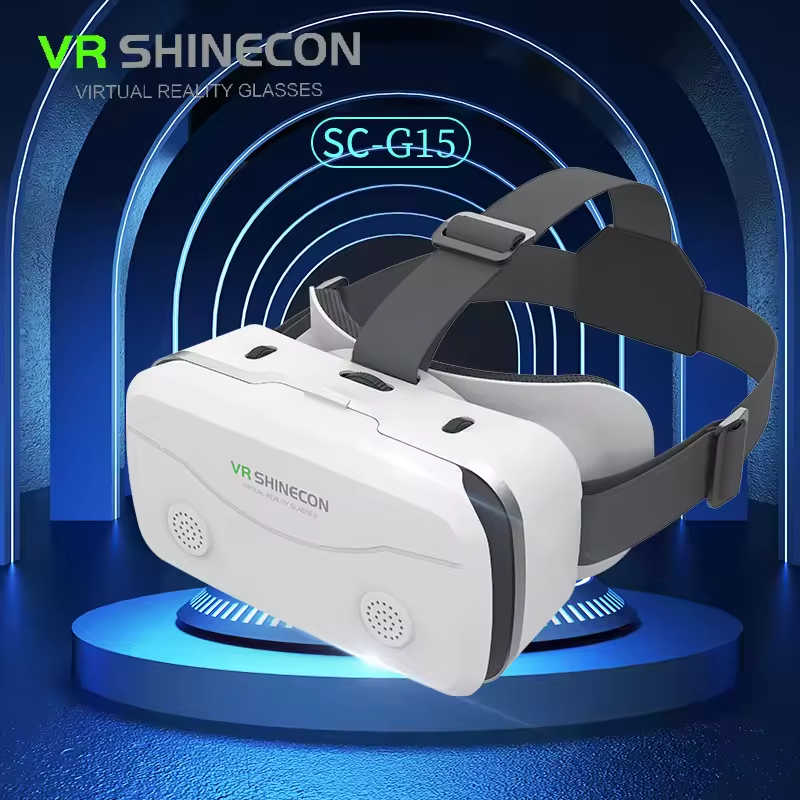
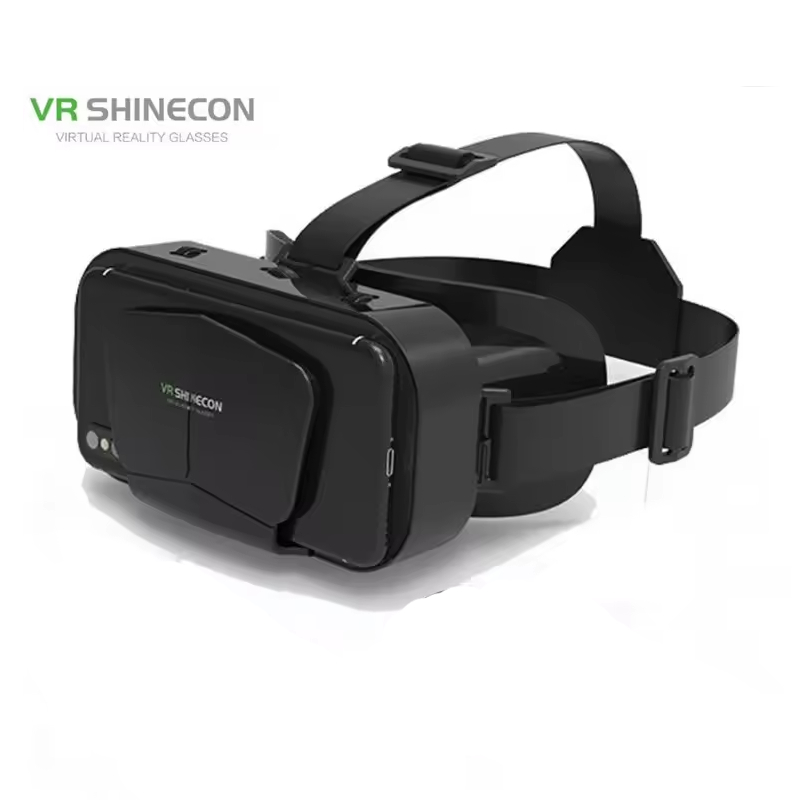
VR SHINECON SC-G12 Virtual Reality VR Headset 3D Glasses
VR SHINECON SC-G12 Virtual Reality VR Headset 3D Glasses (4.5-7-inch Smartphones)
Key Features:
- 360° Panoramic Immersion: Delivers responsive 360-degree head-tracking environments, creating a lifelike sense of scale and depth inside compatible worlds.
- Dual Lens Customization: Features distinct individual dial tracking, allowing users to shift each eye's focal distance independently to balance uneven eyesight prescriptions.
- Ergonomic T-Strap Distribution: Built with balanced, flexible head belts that securely contour around your skull to distribute weight evenly and minimize facial fatigue.
- Open Acoustic Clearance: Left and right frame edges are built with open pass-through slots, letting you run wire charging cords and 3.5mm headphone jacks smoothly into your smartphone.
How to Use the Device
For comprehensive usage instructions, follow the steps provided in the VR SHINECON G12 User Guide:
- Source VR Content: Search for and open a Side-by-Side (SBS) split-screen 3D video on the YouTube mobile app, or launch an app like Google Cardboard. If using YouTube, click the "VR/Goggles" icon in the player to toggle the split-screen view.
- Align and Load Phone: Pull open the front suction/adsorption panel cover. Slide your phone inward horizontally, ensuring the screen's split-line maps directly to the physical center arrow marker inside the headset.
- Secure the Headset: Fit the goggles over your eyes and pull the flexible velcro straps over your head, adjusting the buckles for a firm but comfortable seal against your face.
- Focus the Image: Sit or stand in a clear space. Use the top mechanical knobs to rotate and slide the lenses left, right, forward, or backward until the two split images blend into a single sharp, crystal-clear 3D graphic.
কেন Buylex থেকে কিনবেন
- নিরাপদ অর্ডার ও Cash on Delivery
- পণ্যের স্টক ও warranty তথ্য স্পষ্টভাবে প্রদর্শিত
- সহজ return/refund request এবং order tracking