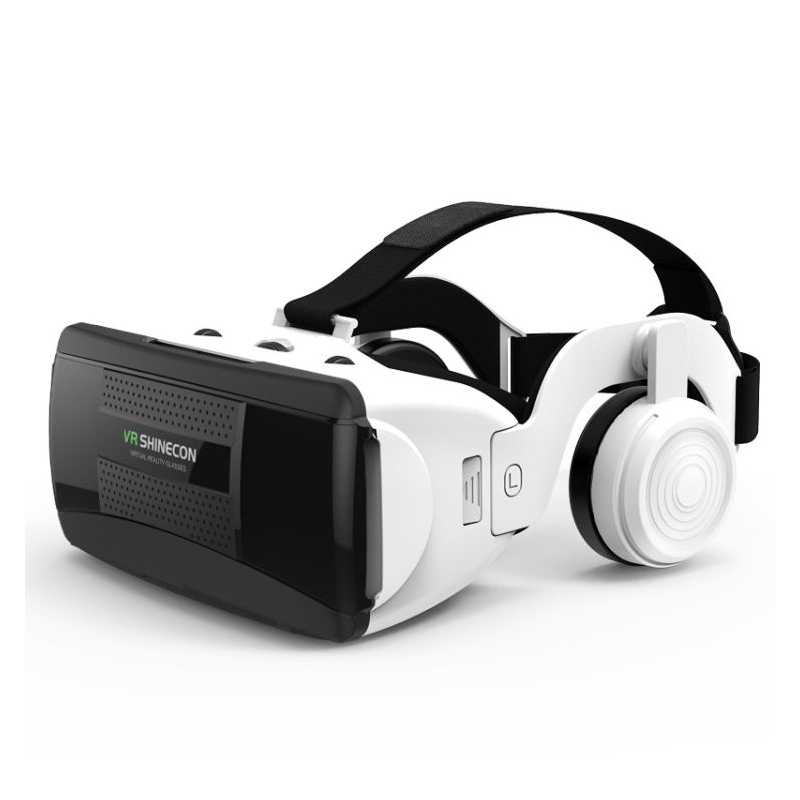
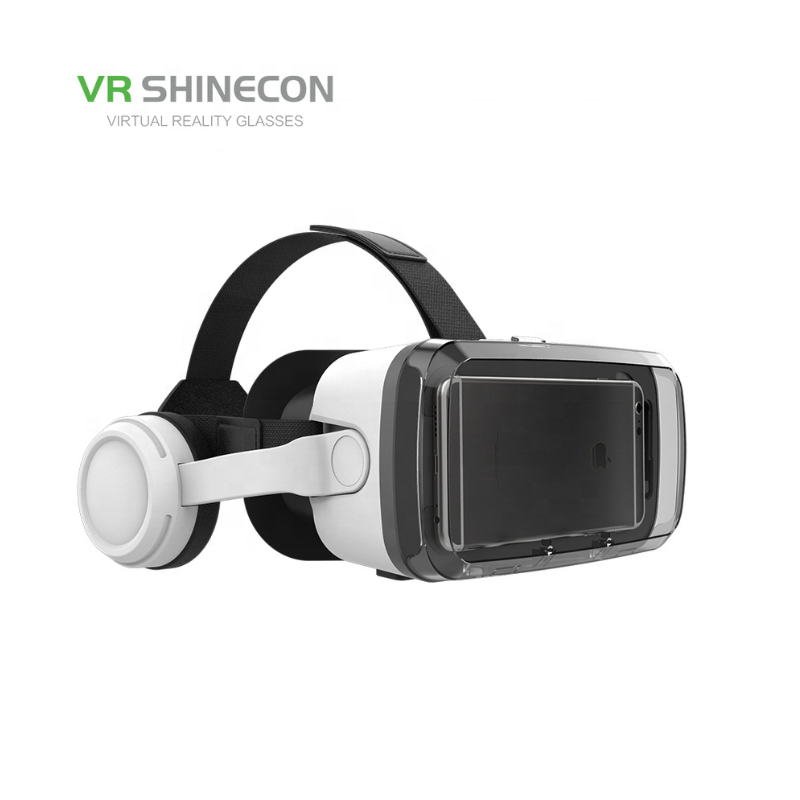
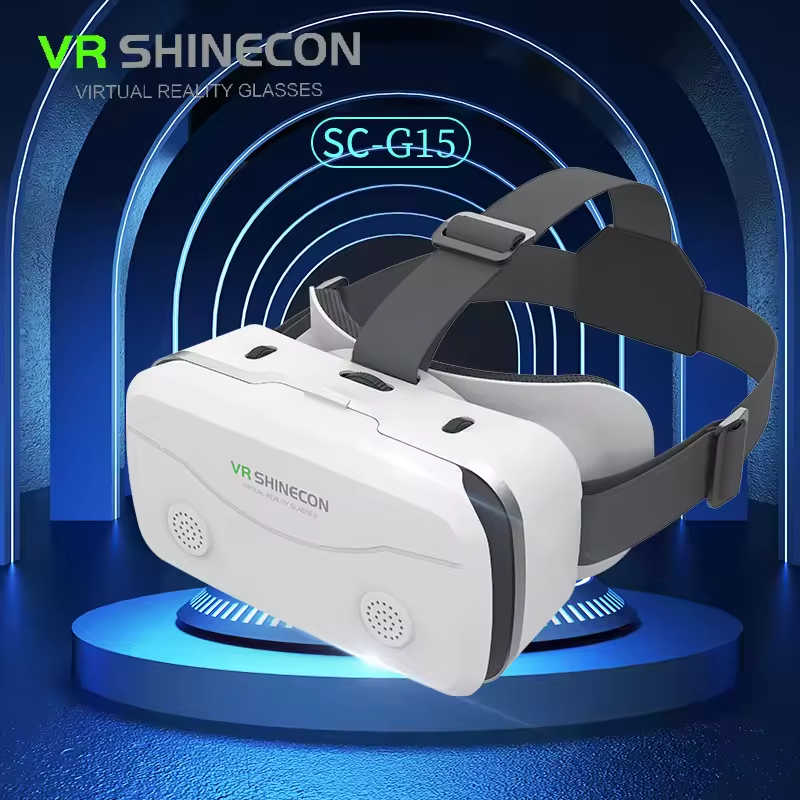
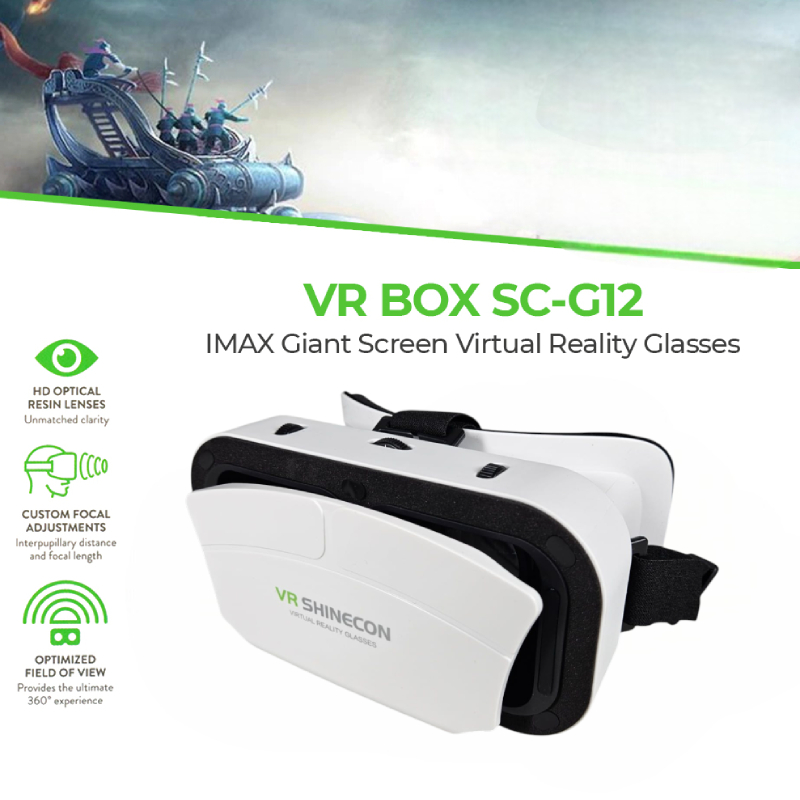
VR SHINECON SC-G10 Virtual Reality VR Headset 3D Glasses
VR SHINECON SC-G10 Virtual Reality VR Headset 3D Glasses (4.7-7-inch smartphones)
Features
- Breathable Thermal Comfort: The eye mask is layered with soft, skin-like protein leather padding designed with integrated ventilation to reduce face sweating and prevent lens fogging.
- Panoramic 360° Viewing: Seamlessly supports 360-degree head-tracking panoramic media, letting you explore interactive environments by looking around.
- Enclosed Acoustic Chambers: Built with openings along the frame sides to route earphone wires and charger cables easily while preserving space for immersive 3D spatial acoustics.
- Secure Fastening System: Utilizes a highly flexible T-shaped elastic headband with an adjustable buckle system to distribute weight evenly around your skull.
How to Use the Device
Follow these straightforward configuration steps outlined in the VR SHINECON User Manual to initiate your virtual experience:
- Download VR Applications: Open the Apple App Store or Google Play Store on your phone. Search for and download VR apps (like YouTube VR, Google Cardboard, or VR Media Players) that support Left-and-Right split-screen display (Side-by-Side / SBS format).
- Mount Your Smartphone: Open the front magnetic absorption cover of the headset. Place your smartphone inside the tray, ensuring that the split-screen center-line on your screen aligns cleanly with the vertical center marker arrow inside the headset.
- Secure the Headset: Put on the headset and adjust the T-straps securely so the cushion rests evenly against your forehead and cheekbones.
- Focus the Lenses: Find the individual mechanical adjustment dials located on the top and sides of the headset. Rotate the Pupil Distance and Object/Focal Distance knobs until double-images disappear and text looks crisp.
কেন Buylex থেকে কিনবেন
- নিরাপদ অর্ডার ও Cash on Delivery
- পণ্যের স্টক ও warranty তথ্য স্পষ্টভাবে প্রদর্শিত
- সহজ return/refund request এবং order tracking